
Sticker packs
Stickers that match your feed.
Every INSEASON collection comes with its own sticker pack. Use them like emojis on your stories, posts and Reels to bring your feed together and add a little fun.
PNG · See-through backgrounds · A new pack every month






The packs
A pack for every collection
A few of the packs in the studio right now. Each one is drawn to match its collection's colours and mood.
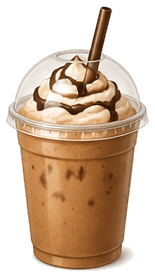
Cocoa Club
18 stickersCoffee cups, pastries and cosy café doodles.
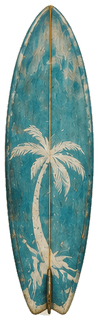
Island Time
10 stickersCoconuts, sunshine and out-of-office holiday icons.
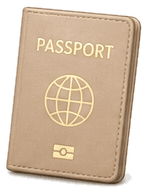
Wanderlust
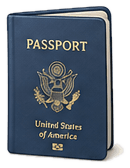
35 stickersPassport stamps, planes, postcards and suitcases.
Cherry on Top
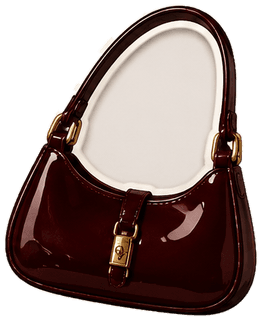
8 stickersCherries, bows and sweet little hearts.
Vintage Diary
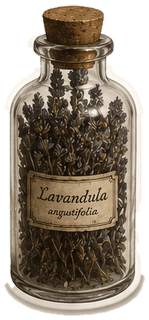
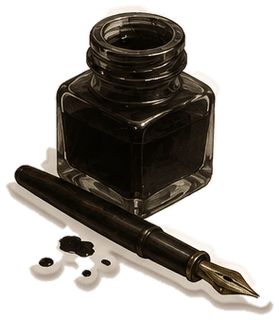
10 stickersOld-school labels, tickets and scrapbook bits.
And one every month
Each monthly drop brings a new collection, and a new sticker pack to go with it.


























Where to use them
Like emojis, but on brand
Instagram stories
Add them like emojis on top of a photo or clip, then add a poll or a question.
Feed posts and carousels
Drop one onto a Canva template to finish the design and tie it to the collection.
Reels and covers
Add one to a Reel cover or a text-on-screen Reel so your posts look like a set.
Highlights and Pins
Use them on highlight covers, Pinterest Pins and newsletters for the same look everywhere.
How to add them
From download to story in a minute.
Pair them with the collection's Canva templates and B-roll and everything you post looks like it belongs together.
Download the pack
Every sticker is a PNG with a see-through background, so it sits neatly on any photo or clip.
Save them to your phone
Save the stickers to your camera roll, or upload them to Canva once and keep them ready.
Add them to your story
On iPhone, tap and hold a sticker in Photos, copy it and paste it into your story. Or add it in Canva or CapCut before you post.
Questions
Sticker pack questions
What comes in a sticker pack?
Each pack is a set of PNG stickers with see-through backgrounds, drawn to match one collection. Members get every pack, including the new one in each monthly drop.
How do I add the stickers to an Instagram story?
Save the PNGs to your phone. On iPhone, open one in Photos, tap and hold to copy it, then paste it into your story and resize it like any sticker. On Android, or for more control, add them in Canva or CapCut and post the finished design.
Can I use the stickers on posts for my business or clients?
Yes. They're covered by the same commercial licence as the templates and B-roll, so you can use them for your own brand and for clients. You can't sell or share the sticker files themselves.
Do the stickers work in free Canva?
Yes. Upload the PNGs to Canva once and they'll be in your uploads, ready to drop onto any template.
Is there a sticker pack for every collection?
Yes. Every collection comes with its own sticker pack, so the stickers always match the templates and clips you're posting.
A little fun for every post.
Every sticker pack, template and clip, with a fresh drop every month.
Join the Studio