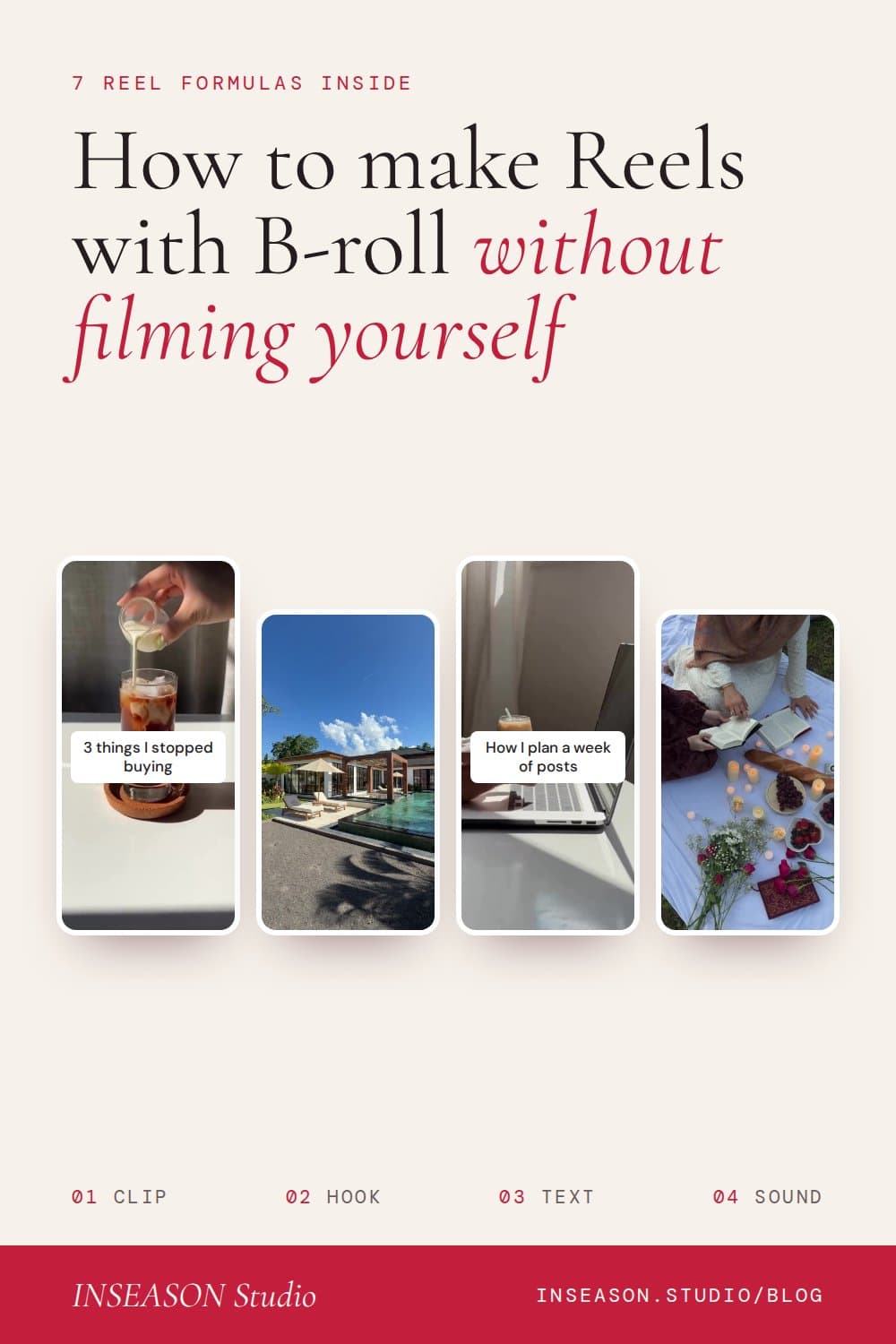
How to make Instagram Reels with B-roll, without filming yourself
By Sara · · 8 min read
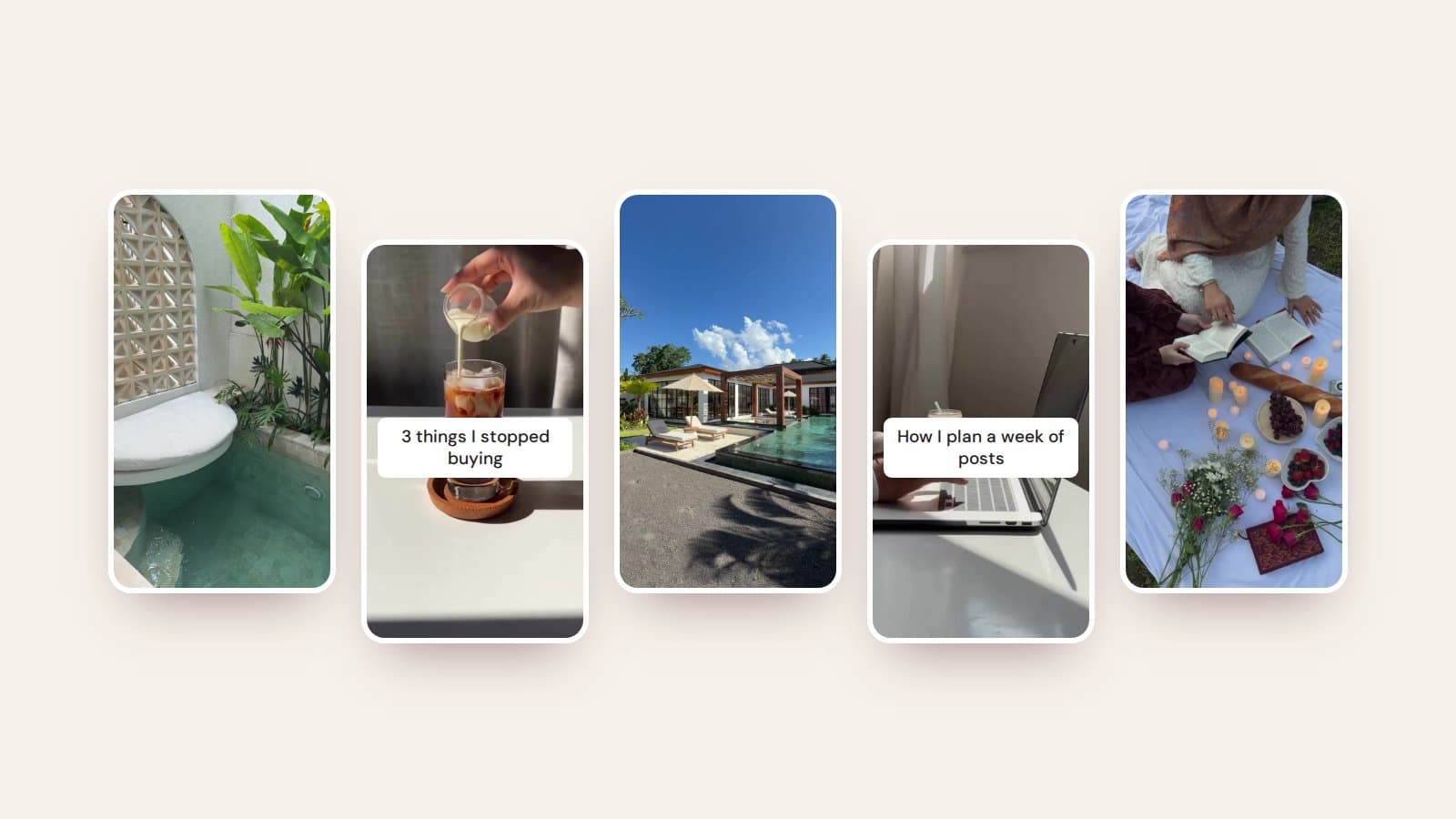
Make scroll-stopping Instagram Reels with B-roll clips, no camera or face needed. Seven Reel formulas, hook ideas and the settings that matter.
Reels are the fastest way to reach new people on Instagram, but most of us don't have time to film every day, and plenty of us don't want to be on camera at all. The good news: some of the most-saved Reels in any niche are just a short, beautiful clip with one line of text on top.
That clip is called B-roll. It's the background footage of everyday life: a coffee being poured, hands typing, light on a pool. Here's how to turn it into Reels that actually get watched, with seven formulas you can use this week.
Why B-roll Reels work
- They're quick to make. Pick a clip, add a line of text and a sound, and you're done in minutes.
- Short clips loop, and a Reel that people watch more than once tends to keep being shown.
- They keep your feed cohesive, because you choose clips that match your palette instead of filming whatever is in front of you.
- You never have to show your face, your home or your kids unless you want to.
Step 1: Choose a clip that fits your feed
Start with your look, not the clip. If your feed is warm and neutral, choose soft, warm footage; if it's bright and bold, choose punchy colour. A beautiful clip that clashes with your feed does more harm than good. Our guide to making your Instagram feed look cohesive covers how to set your palette first.
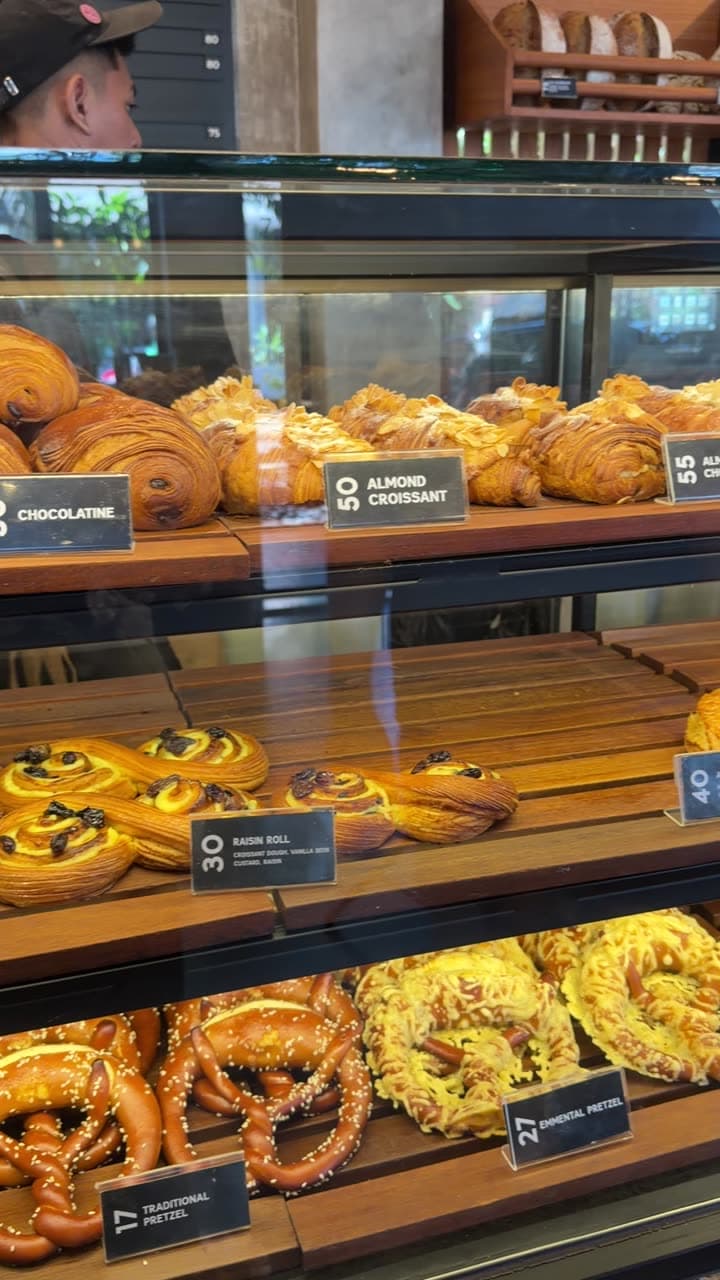
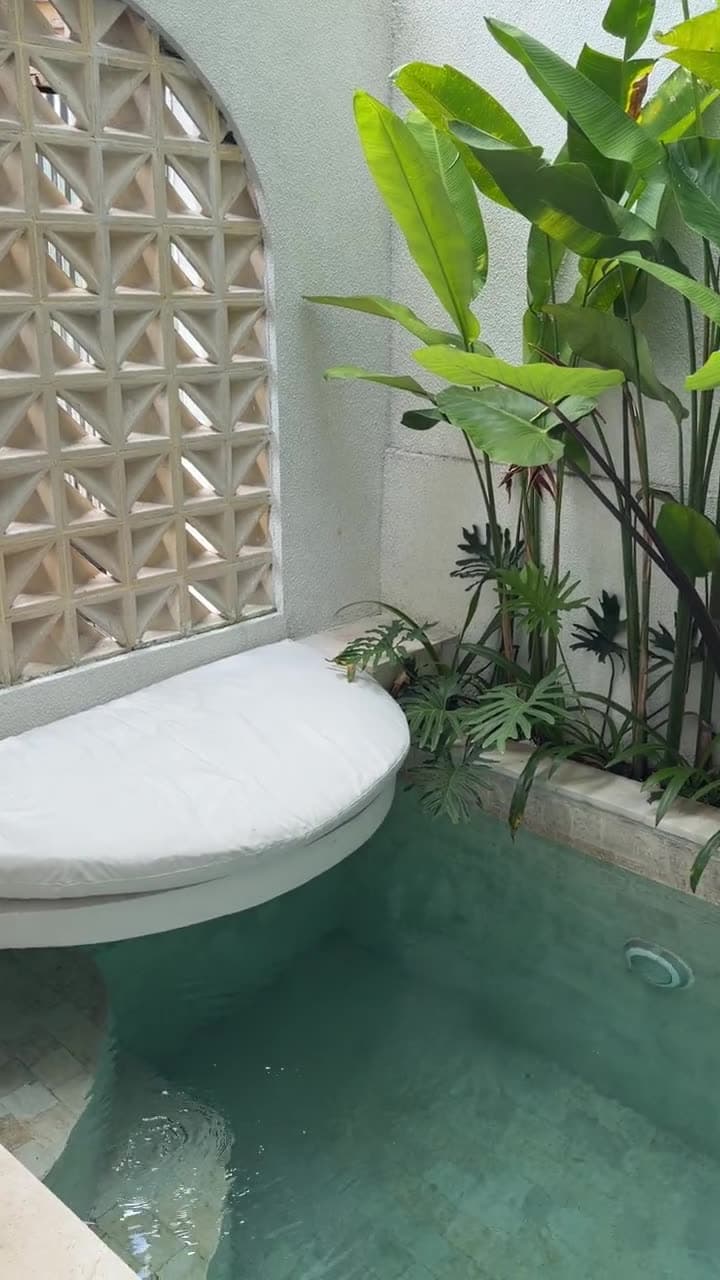
A few clips suit almost everyone: coffee being poured, hands on a laptop, turning a page, opening a curtain. Then add clips specific to what you do, like treatment rooms for beauty businesses, pastry cases for cafés or mats and bands for Pilates instructors.
Step 2: Write the hook first
The words on screen do the heavy lifting. Most people decide in the first second or two whether to keep watching, so your first line has to give them a reason. Write it before you open your editing app.
- "3 things I stopped buying this year"
- "How I plan a week of posts in one hour"
- "The mistake that cost my first clients"
- "POV: your feed finally looks the way you pictured it"
- "Save this for your next slow Sunday"
Then make sure the clip matches the line. A slow coffee pour suits a calm, reflective hook; a fast pour or a quick walk suits an energetic one.
Step 3: Add text where people can read it
Instagram covers the bottom of a Reel with your caption and username, and the right-hand side with the like, comment and share buttons. Keep your text in the middle of the screen, slightly above centre, and leave it on long enough to read twice.
Step 4: Choose the sound
Trending audio can help a Reel reach more people, so it's worth scrolling the Reels tab for sounds you keep hearing. If you post from a business account, you'll find some popular songs aren't available to you; Instagram's own royalty-free library has plenty of options instead. A quiet, mood-setting track often suits B-roll better than a busy one anyway.
Step 5: Edit simply
You don't need complicated software. Instagram's own Reels editor, Meta's free Edits app or CapCut all let you trim a clip, add text and pick a sound. Keep edits gentle: one or two clips, a clean cut, no flashy transitions. Calm footage looks more expensive when you leave it alone.
- 1Trim your clip so it starts on movement, not a still frame.
- 2Add your hook as text and set it to show for the whole clip.
- 3Add the sound and adjust the volume so it doesn't overpower any voiceover.
- 4Turn on auto-captions if you're speaking.
- 5Pick a cover image that fits your grid before you post.
7 B-roll Reel formulas to try
1. The one-liner
One clip, one line of text. A relatable thought, a quote or a quiet truth about your industry. The easiest Reel you'll ever make, and often the most shared.
2. The list
"3 things I stopped buying" or "5 apps I use every day", with each point appearing one at a time over a single clip. People watch to the end to see the last one.
3. Tips in a sequence
Three to five short clips, one tip on each. It's a carousel in motion, and it works brilliantly for coaches, educators and service businesses.
4. A day in the life
Morning coffee, laptop, a walk, dinner: a handful of clips that tell the shape of your day, with a short caption on each. No face needed.
5. Voiceover
Record yourself talking for 15 to 30 seconds and lay it over calm B-roll. Your voice builds trust while the footage keeps eyes on the screen.
6. Behind the scenes
Packing orders, prepping a treatment room, setting up a class. Short clips of your process show the care that goes into your work.
7. The offer
Your launch, sale or booking link, set over a clip that matches the feeling you're selling. Keep the text short and finish with one clear action, like "Book via the link in my bio".
Keep your grid looking good
Every Reel shows up in your profile grid using its cover image, so treat covers like posts. Use the same font and text placement on each, pick a frame that fits your palette, and check how it's cropped in the grid. Our Instagram grid layouts guide shows patterns that make Reels and posts sit well together.
Where to get B-roll
- Film your own: our tips on faceless content cover simple setups using your phone.
- Free stock sites: useful in a pinch, but the same clips appear on thousands of feeds.
- A B-roll membership: a library of clips made to match, so your Reels look like one brand instead of a collage.
Whichever you choose, check the licence lets you use clips for business and in ads, and avoid footage with visible logos or other people's faces.
Questions people ask
What is B-roll on Instagram?
B-roll is short background footage, like a coffee being poured or hands typing, used to set a mood behind text or a voiceover. On Instagram it's usually vertical, 4 to 10 seconds long and faceless.
How long should a B-roll Reel be?
For a single clip with text, 5 to 10 seconds is plenty, so people can read it and the Reel loops. Tip sequences and voiceovers can run 15 to 30 seconds.
Can I make Reels without showing my face?
Yes. B-roll Reels with on-screen text or a voiceover are one of the most popular faceless formats, and they suit any niche.
Do I need special apps to make B-roll Reels?
No. Instagram's built-in Reels editor is enough to trim a clip, add text and pick a sound. Free apps like Meta's Edits or CapCut give you a little more control.
Can I use trending sounds on a business account?
Some popular songs aren't available to business accounts because of music licensing. Use the royalty-free sounds in Instagram's library, or switch to a creator account if it suits you.