How to make your Instagram feed look cohesive, without a designer
By Sara · · 8 min read
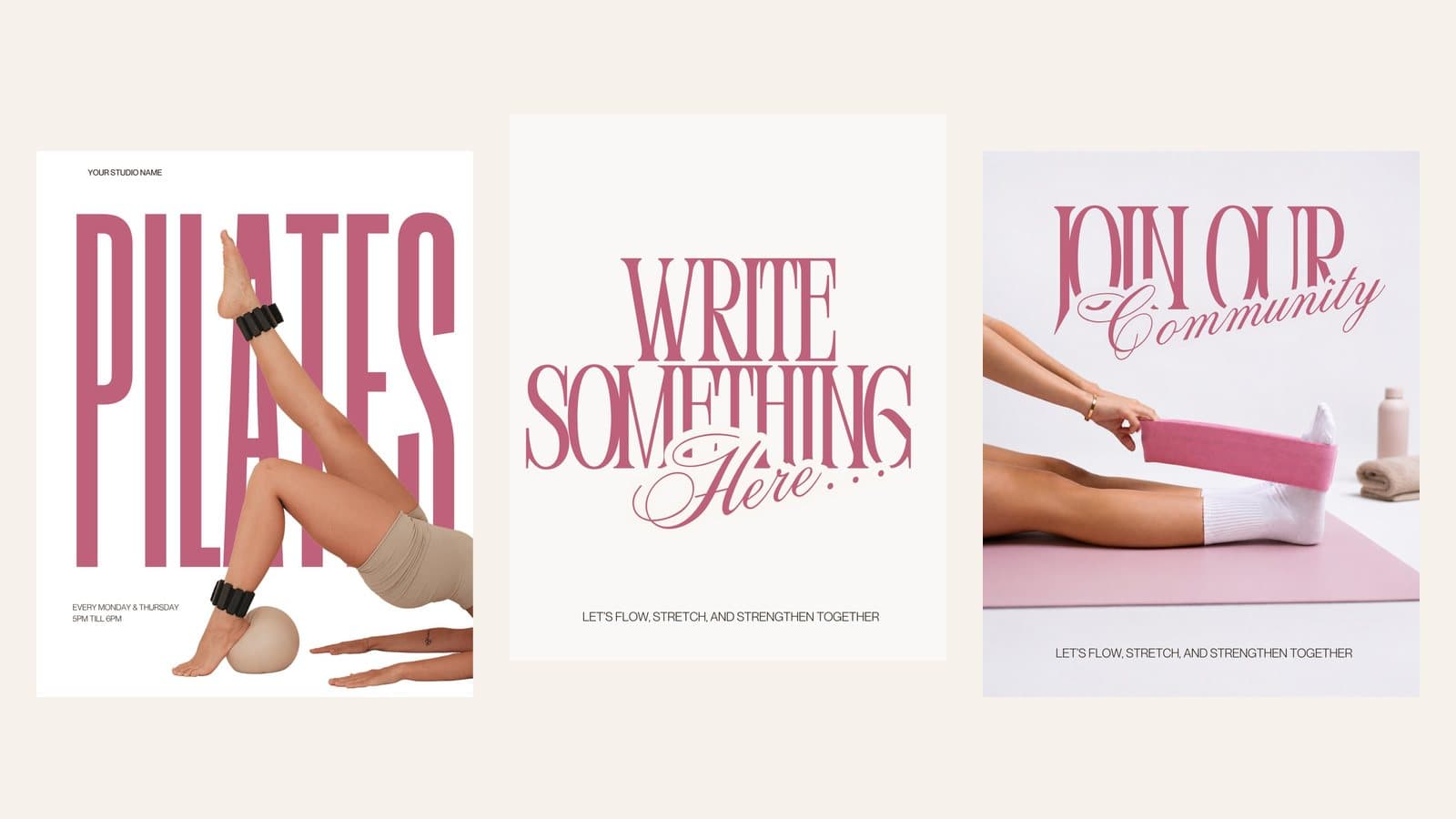
Make your Instagram feed look cohesive without a designer: pick a mood, 3–5 colours, two fonts and a few post types. Free worksheet inside.
You know the feeds. You land on a profile and, before you've read a single caption, you get it: calm, considered, a little bit expensive. It's tempting to assume they paid a designer. Most didn't. They made a handful of decisions once, wrote them down, and then repeated them every time they posted.
That's all cohesion is. Not perfect photos, not a huge budget, and definitely not posting the same thing forever. It's consistency in a few places, so that everything else is free to change. Here's how to set it up in an afternoon.
1. Start with a mood, not a colour
Before you choose a single colour, write down three words for how you want someone to feel when they land on your profile. Calm, warm and grounded. Bold, playful and fresh. Soft, romantic and feminine. These three words become the filter for every choice that follows: if a photo, font or colour doesn't fit them, it doesn't go in.
It helps to save 10 to 15 images that capture the mood (screenshots, Pinterest pins, other feeds you love) into one folder. Then look for what they have in common. Is the light warm or cool? Is there lots of white space or are they busy? Is the text big and bold or small and quiet? Those patterns are your feed's style, already decided.
2. Pick a small palette and actually stick to it
Three to five colours is plenty. A simple formula that works for almost any brand:
- One main neutral for backgrounds: cream, white, stone, sand or near-black.
- One or two supporting colours that suit your mood, used for shapes, blocks and photos.
- One accent for small moments: a highlighted word, an arrow, a button. Use it sparingly or it stops feeling special.
Write the colour codes down (Canva shows them as a six-character code starting with #) and keep them in your phone notes. Then choose photos and B-roll that already sit inside your palette, rather than fighting their colours later. Need a starting point? Try one of these spring Instagram colour palettes, each with its codes.
3. Use two fonts, and only two
One font for headlines and one for everything else. A serif headline (like Cormorant, Playfair or Bodoni) feels editorial and elegant. A clean sans-serif (like Montserrat, Poppins or DM Sans) feels modern and easy to read. Pair one personality font with one quiet one, and resist adding a third, even for a special post. Our free Canva font pairings list has eight combinations that work.
A script or handwritten font can work as a small accent, a single word layered over a headline, but treat it like your accent colour: a little goes a long way.
4. Edit every photo the same way
Nothing breaks a feed faster than one cool, blue photo next to a warm, golden one. Choose one editing look and apply it to everything. That might be a preset in Lightroom (the mobile app is free), a filter you've saved in your editing app, or simply the same three adjustments every time: a touch warmer, slightly brighter, a little less saturation.
- Shoot in similar light where you can. Soft window light by day, one warm lamp at night.
- Keep backgrounds simple. A plain wall, a linen sheet or a clear benchtop does more than a busy room.
- Repeat the same few props and textures. The same mug, the same throw, the same vase becomes part of your look.
5. Repeat four or five post types
This is the step most people skip, and it's the one that makes the biggest difference. Instead of designing every post from scratch, decide on a few post types and rotate between them. Your audience starts to recognise each one at a glance, and you stop staring at a blank canvas.
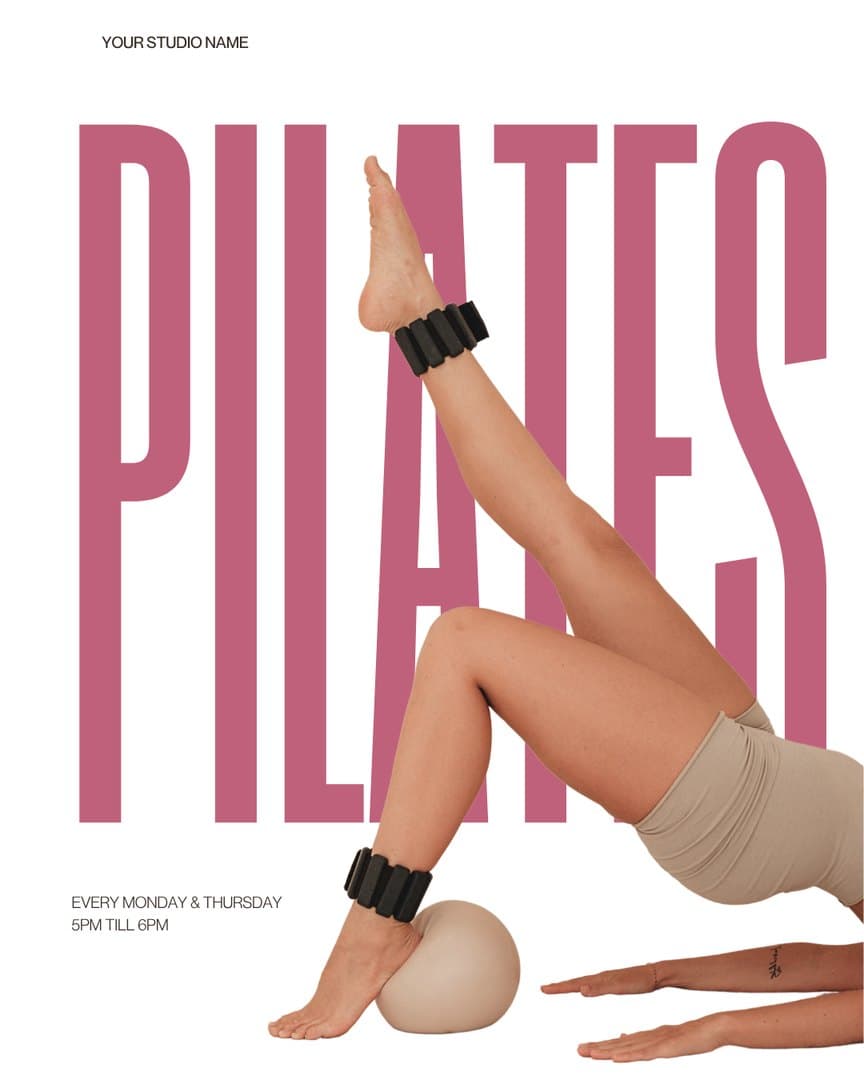
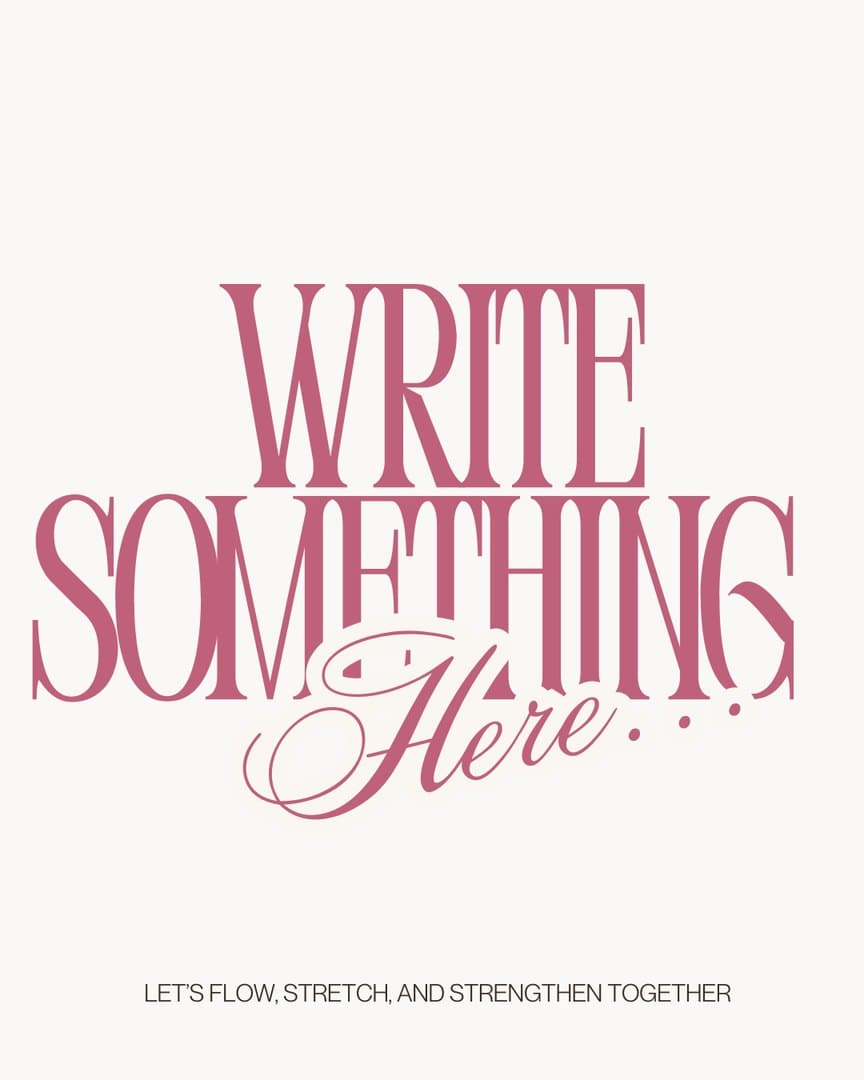

A good starting set:
- 1A quote or one-line post: big text, lots of space.
- 2A teaching carousel: tips, steps or a myth-buster, one idea per slide.
- 3A photo or B-roll moment with no text at all, to let the grid breathe.
- 4A personal or behind-the-scenes post: your desk, your day, your process.
- 5An announcement: a launch, an offer, a class time or an event.
Then give your grid a rhythm. A simple pattern is text post, image post, text post, image post, so busy and quiet posts alternate. Because Instagram shows your grid in rows of three, mixing post types across each row keeps it balanced. For more patterns, see Instagram grid layouts that always look good.
6. Let B-roll do the quiet work
Short, faceless clips (a coffee being poured, light moving across a bench, hands turning a page) are the glue of a cohesive feed. They carry your colours and your mood without any words, and they give text-heavy posts room to breathe. They also make some of the easiest Reels you'll ever post: pick a clip, add one line of text, and add a trending sound. Here's how to make Reels with B-roll, step by step.
The trick is choosing clips in your palette. A cream-and-coffee feed wants warm, soft-lit clips, which is why we pair coffee B-roll with menu templates for cafés and food brands. A bold, colourful feed can take brighter, punchier ones. If a clip fights your colours, skip it, however pretty it is.
7. Keep the layout consistent too
Fonts and colours get the attention, but layout is what makes a feed look professional. Keep text in the same places (headlines at the top, your handle at the bottom), use the same margins on every post, and align things the same way each time. If you post carousels, give every first slide the same structure so they're recognisable in the grid.
8. Preview your grid before you post
Before anything goes live, look at your next three to six posts together, next to what's already on your profile. Does anything jump out for the wrong reason? Two text posts side by side? A photo that's much darker than its neighbours? Swap the order, change a colour, or save that post for later.
You can do this with a free planning app, or simply by putting screenshots in a phone album in posting order. If you're an INSEASON member, the Feed preview in the Studio lets you drop templates and clips into a mock grid next to your own posts before you download anything.
9. Shift with the seasons, on purpose
Cohesive doesn't mean frozen. Every season, let your palette drift a little: lighter and fresher for spring, brighter for summer, warmer and deeper for autumn, cosier for winter. Keep your fonts, layouts and post types exactly the same. Your feed stays instantly recognisable, but it never feels stale. Stuck for what to post this season? Here are 20 spring content ideas.
Common mistakes to avoid
- Using a new font for every post because it looked nice in the moment.
- Mixing filters: one warm photo, one cool, one black and white.
- Downloading free templates from five different places, each with its own style.
- Posting only text, or only photos, so the grid has no rhythm.
- Changing your whole look every month instead of evolving it each season.
- Busy backgrounds and visible brand labels that pull the eye away from your message.
Your cohesive feed checklist
- 1Three words for your mood, written down.
- 2Three to five colours, with their codes saved.
- 3Two fonts: one for headlines, one for everything else.
- 4One editing look applied to every photo.
- 5Four or five post types you rotate between.
- 6B-roll clips that sit inside your palette.
- 7Consistent text placement and margins.
- 8A quick grid preview before every post.
Do this once and posting gets faster, not slower. You're no longer designing; you're choosing from a set of decisions you've already made. Whether you run a Pilates studio, a beauty business or a coaching practice, the steps are the same.
Questions people ask
How many colours should an Instagram feed have?
Three to five. One main neutral for backgrounds, one or two supporting colours and one accent for small details. Fewer colours make a feed look more intentional, and it's easier to choose photos that fit.
What app helps you plan an Instagram grid?
Free planning apps like Planoly, Later and Preview let you drag posts into a mock grid before you publish. You can also put screenshots into a phone album in posting order. INSEASON members can use the Feed preview in the Studio.
Do I need Canva Pro to make my feed cohesive?
No. Free Canva lets you use your own colour codes, choose from thousands of free fonts and save designs to reuse. The habit of repeating the same choices matters far more than any paid feature.
How do I keep my feed cohesive when I post Reels?
Choose a cover image for every Reel that fits your palette, and use the same font and text placement on the cover each time. Instagram lets you pick the cover and adjust how it's cropped in your grid.
How often should I change my feed's look?
Shift your colours slightly each season, but keep your fonts, layouts and post types the same for at least a year. That way your feed feels fresh without losing what makes it recognisable.